


You can send and receive text messages (SMS) and picture messages (MMS) from your business number inside Microsoft Teams. There are two apps that do this. Your organization uses one of them, and where your conversations appear depends on which one.
The two apps
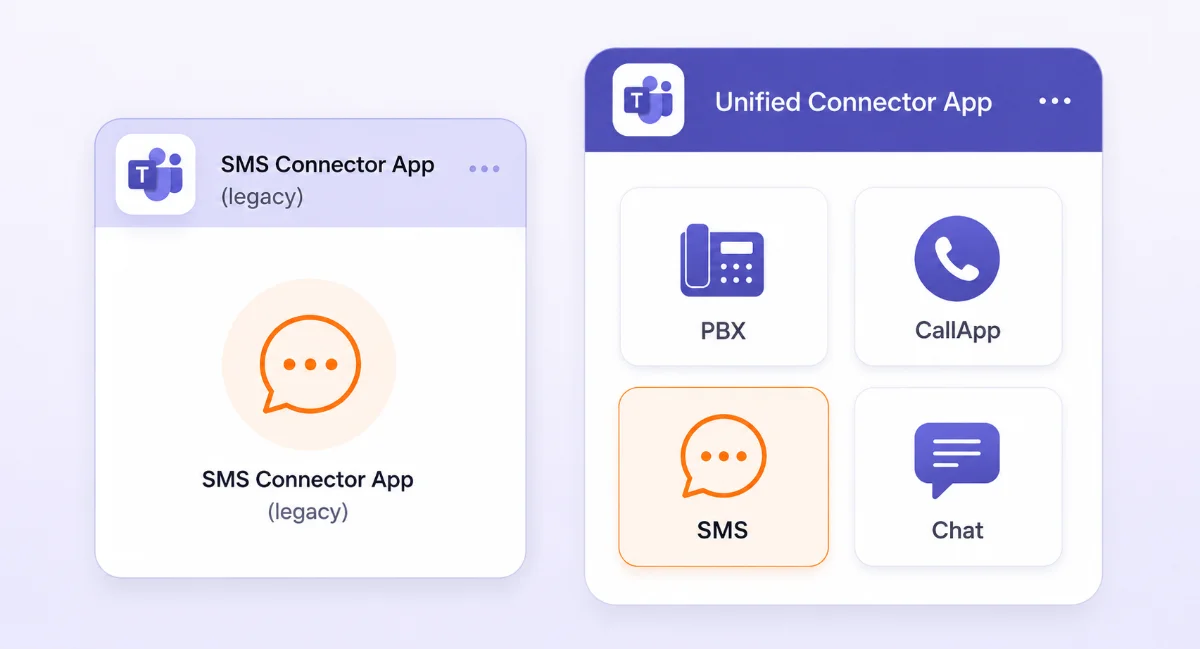
| CallHarbor app for Teams (current) | Legacy SMS app | |
|---|---|---|
| What it includes | Texting, calling, and chat in one app | Texting only |
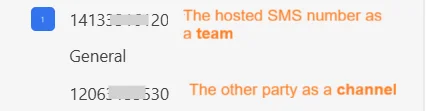
| Where your texts appear in Teams | In your Chat list, like any other chat | Under Teams, as a team for each of your numbers with a channel for each person you text |
| SMS Page inside the app | Yes | Yes |
| SMS Composer pop-up | No | Yes |
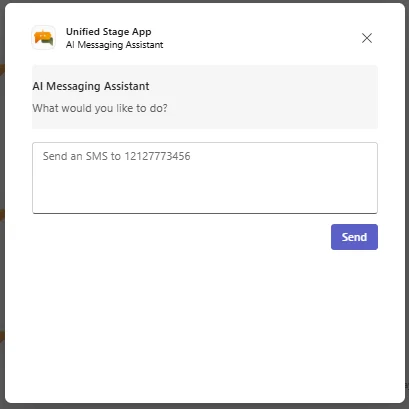
| Send a text by describing it in plain language (AI) | Yes | No |
| Group texting and shared numbers | Yes | Yes |
| Contacts from Outlook | Yes | Yes |
| Support status | Fully supported and gets all new features | Support ends June 1, 2027. Stops working October 1, 2027 |
How to tell which one you have
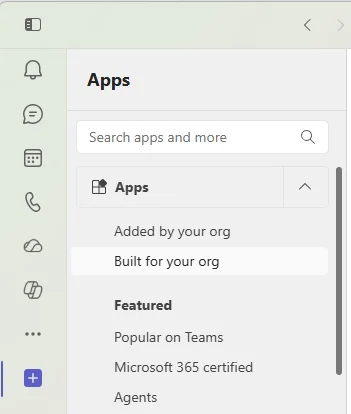
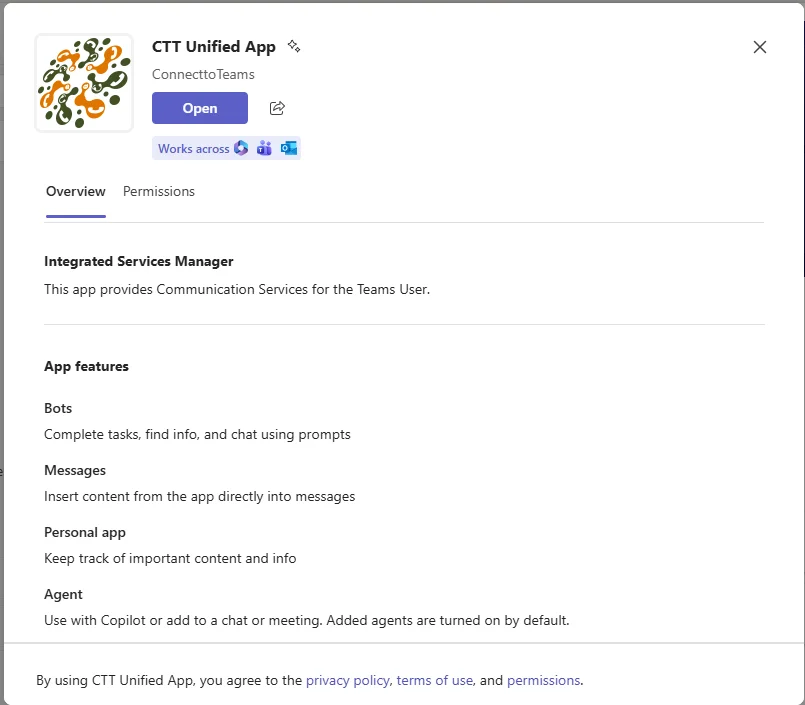
In Teams, go to Apps > Built for your org. The app listed there is the one you use. If your text conversations show up in your Chat list, you are on the current app. If they show up as teams and channels, you are on the legacy app.
If you are on the legacy SMS app
The legacy app stops working on October 1, 2027. Your organization will be moved to the current app before then, and your text number stays the same. To schedule the move, have your administrator contact CallHarbor Support.

Opening the SMS Page
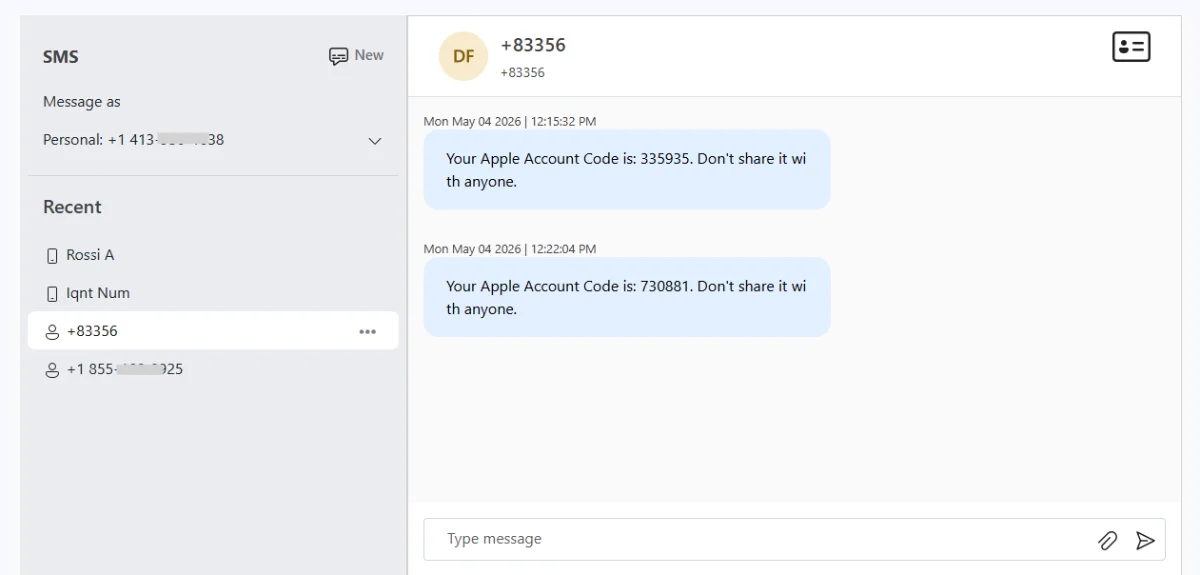
Both apps include the SMS Page, a single screen with your recent conversations on the left and the selected conversation on the right.
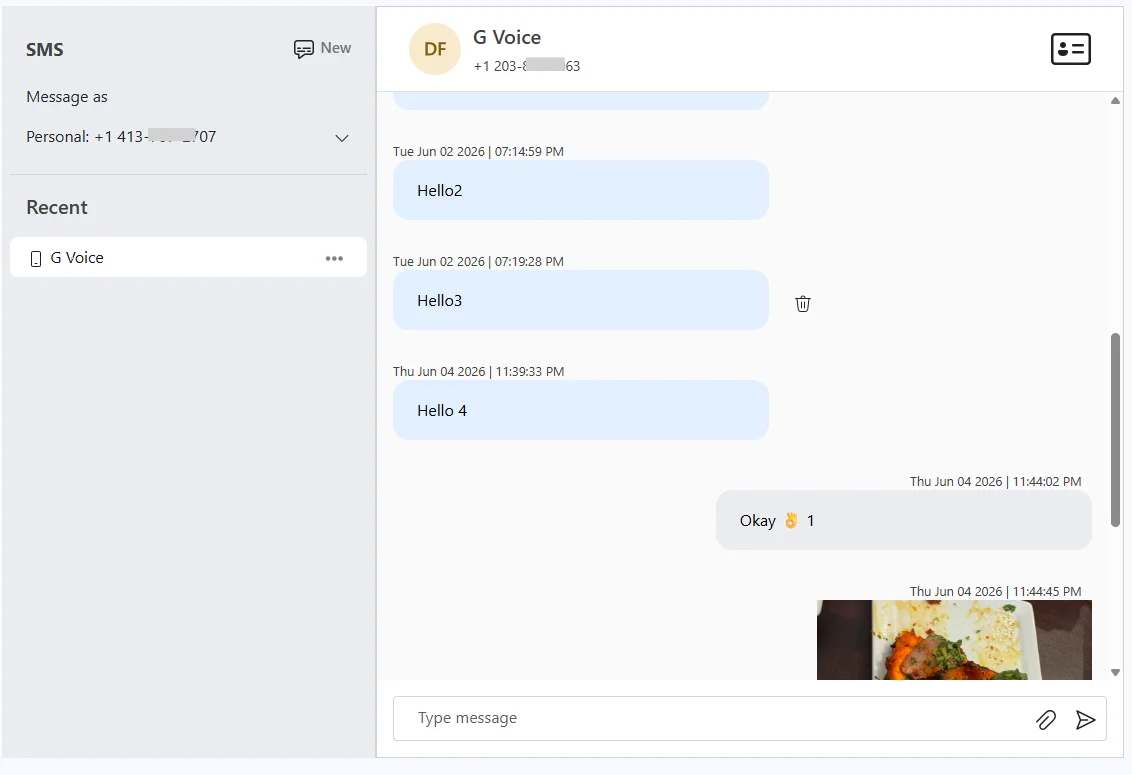
- Legacy SMS app: open the app from Apps > Built for your org. The SMS Page is the first tab.
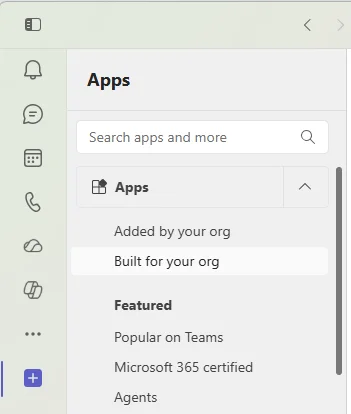
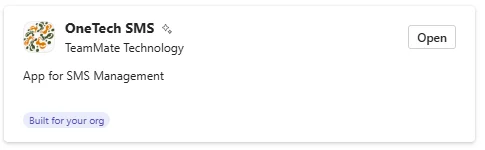
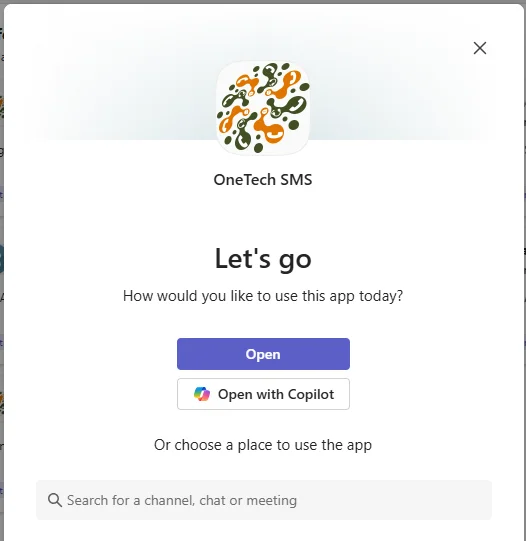



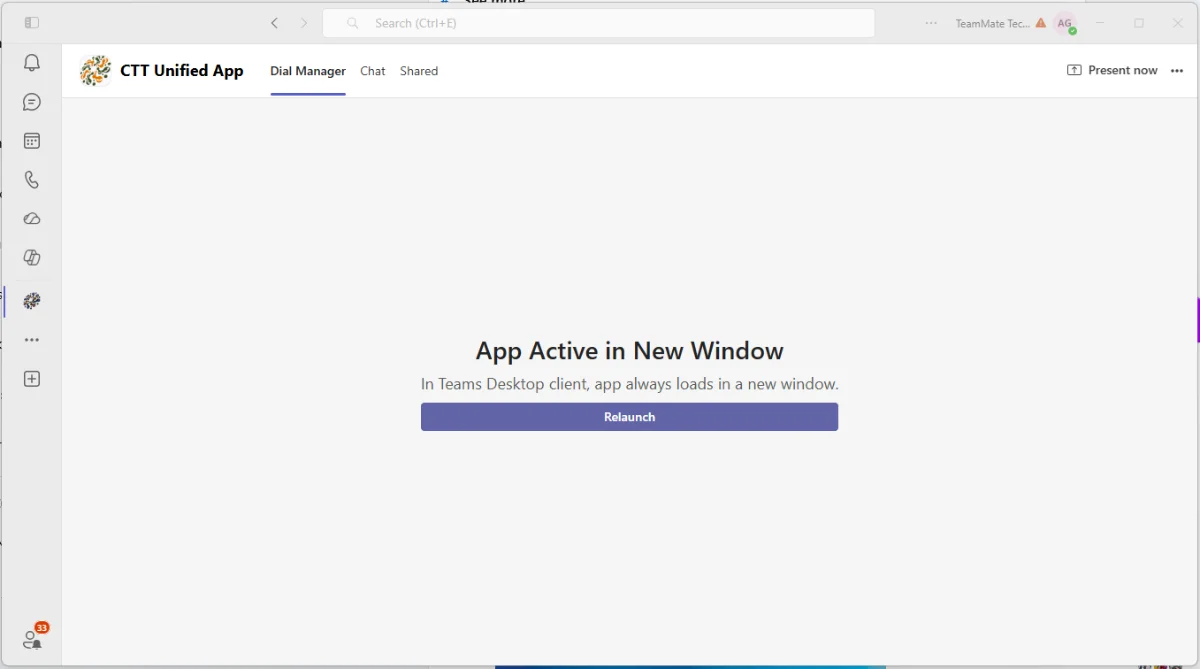
- Current app, with the Dial Manager tab: select Relaunch to open the Dial Manager in its own window, then select the chat icon in the History section.

- Current app, with the user portal as the first tab: select the chat icon near the top right.
The SMS Page is not available if your organization uses Secure SMS. See Texting When Secure SMS Is Turned On.
Next steps
- Texting with the CallHarbor App for Teams
- Texting with the Legacy SMS App
- Using the SMS Page

