

How To Log Out of Call Harbor Messenger

Last updated: May 01, 2026
962
views

CallHarbor Messenger is a Premium Feature. To enable, please contact CallHarbor Support.
This article outlines how to logout of CallHarbor Messenger. To learn how to use the CallHarbor Messenger portal, please click here.
Open The App
Tap on the app from your home screen, after doing so the app should look like this.
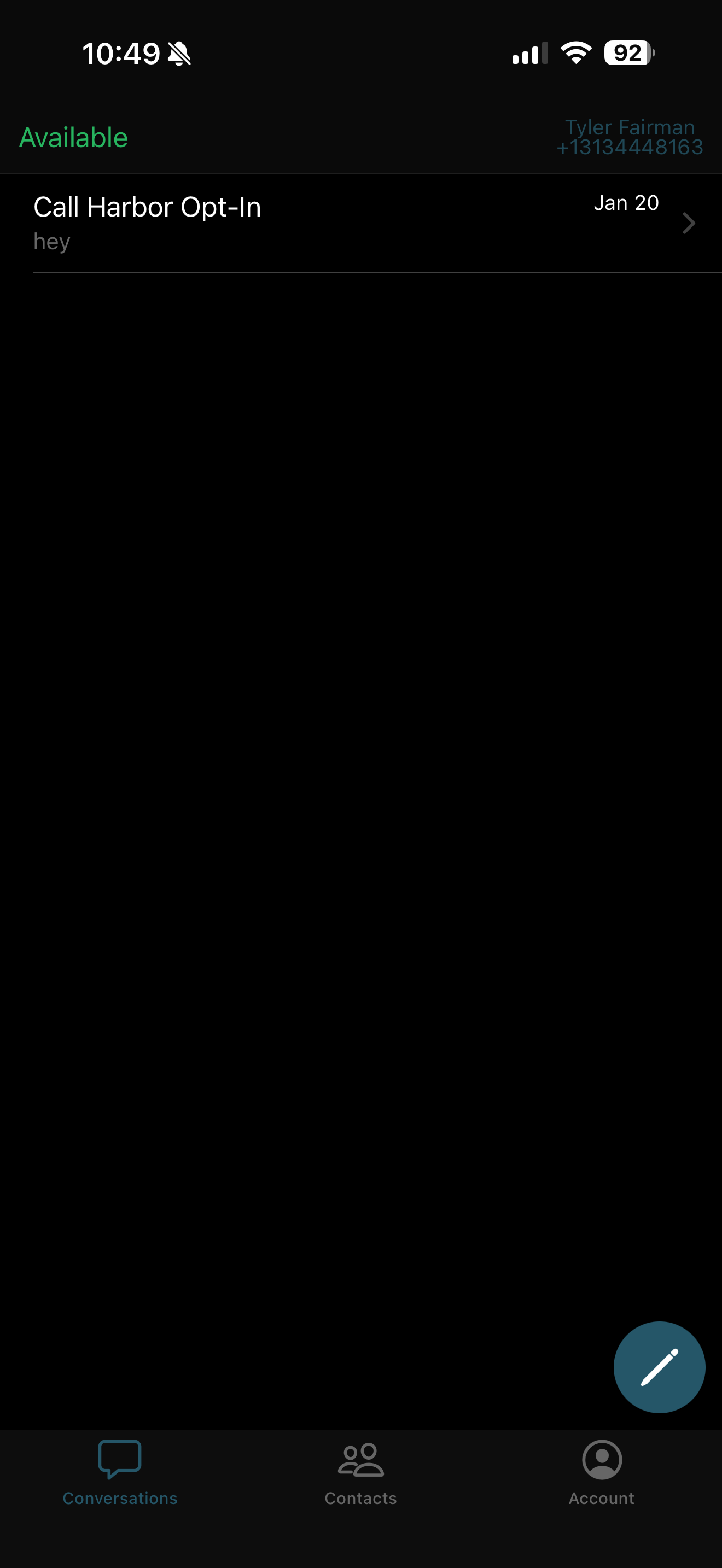
Click "Account" at the bottom right
once there, you should see a red "Logout" button.
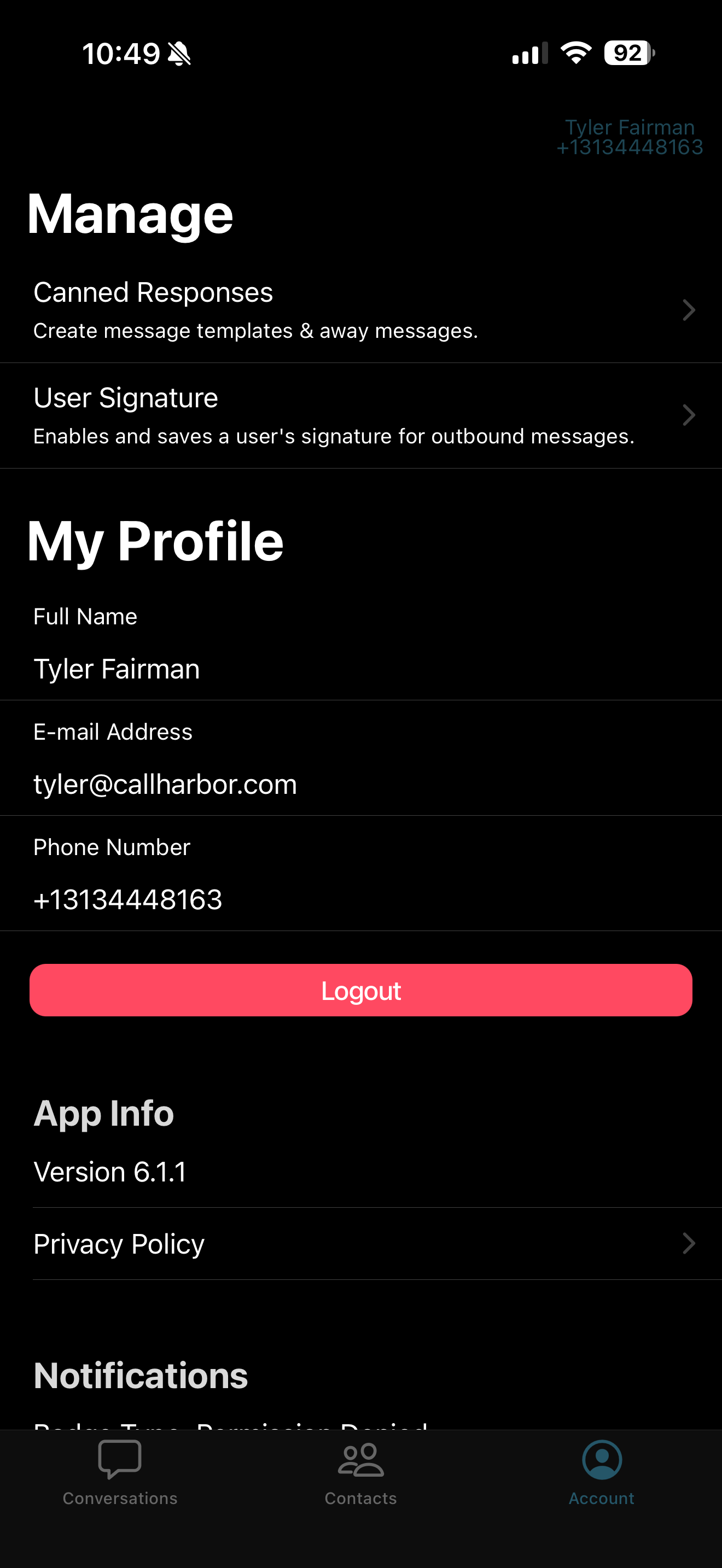
Clicking this button will successfully log you out.

